iCloud library
Automatic scanning of folders and subfolders. Your files stay in iCloud — the app only indexes them.
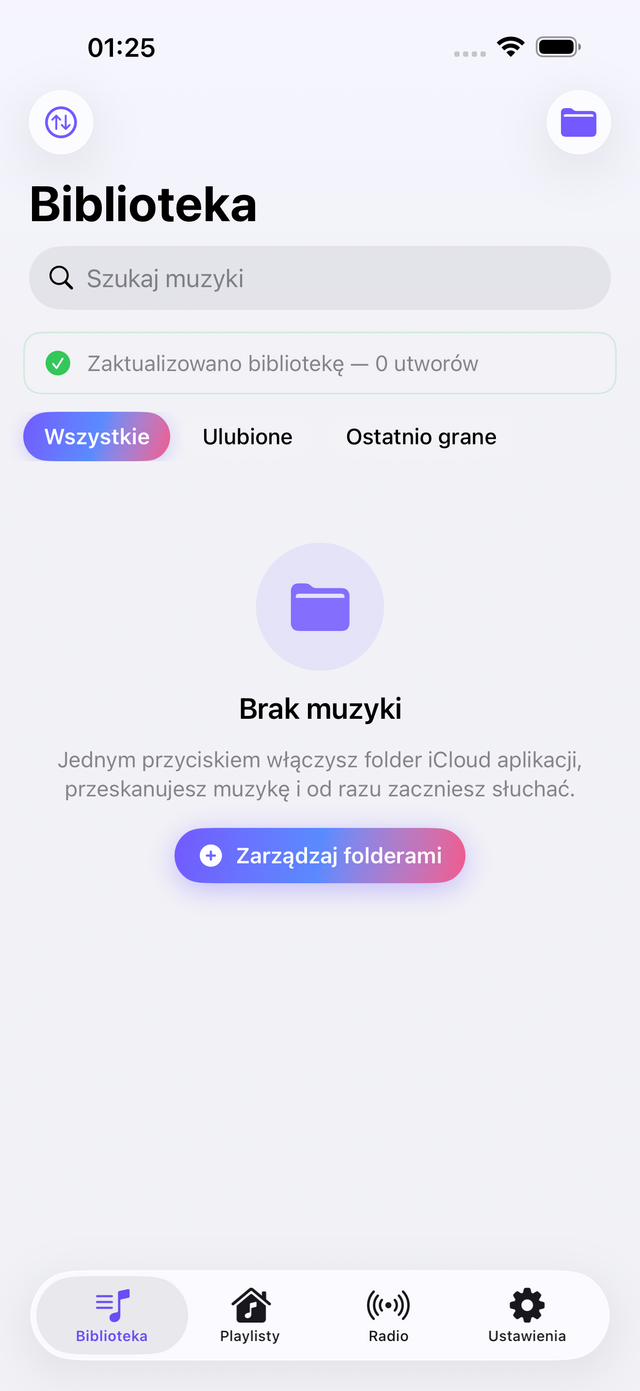

SopMPlayer scans folders in iCloud Drive, builds your library, supports playlists, internet radio, a Home Screen widget, and seamless background playback.
Screenshots
Browse the app interface — library, music sources, playlists, and settings.
Scroll to see more
Features
Automatic scanning of folders and subfolders. Your files stay in iCloud — the app only indexes them.
Create playlists, save favourite stations, and return to them with a single tap.
Optional track caching with a storage limit — listen without internet when you're on the go.
Control playback from the Lock Screen, Control Center, and headphone gestures. Playback continues in the background.
Home Screen widget and Siri Shortcuts integration after your first track plays.
No account, analytics, or ads. Your library and settings stay on your device and in your iCloud.
Learn more
Sign in to iCloud, open the app, and choose your music folder. SopMPlayer automatically indexes subfolders.
Full support documentationThe app does not collect personal data, analytics, or ads. Your library stays on your device and in your iCloud.
Read the privacy policy